Everything you read, now in your ears
Commute, workout, cook or rest your eyes — ListenFly keeps reading where you left off.
Any document
PDF, EPUB, Word and text files, web articles (without menus and ads) or any text you paste.
Scan paper pages
Point the camera at a book or handout — the text is recognised and ready to listen to in seconds.
Screen off, still reading
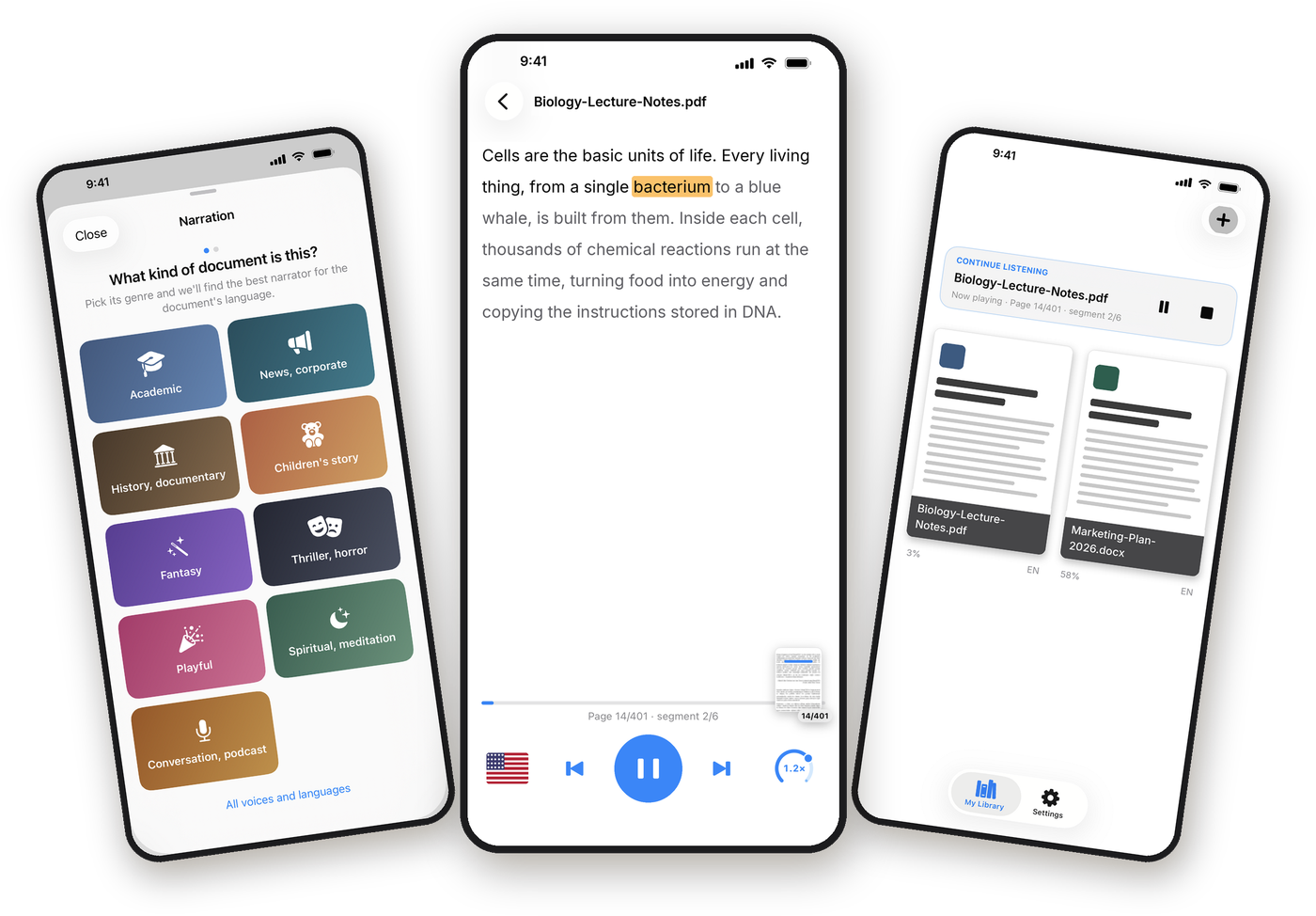
Control playback from the Lock Screen, Control Center or your headphones. Your place is always saved.
Follow word by word
The word being spoken is highlighted, so you can read along — with colours you can tune to your taste.
A narrator for every genre
Textbook, news, children’s story, thriller or meditation — pick the kind of document and ListenFly picks the voice.
Your speed, your language
Change the pace with one gesture. The language of each document is detected for you.
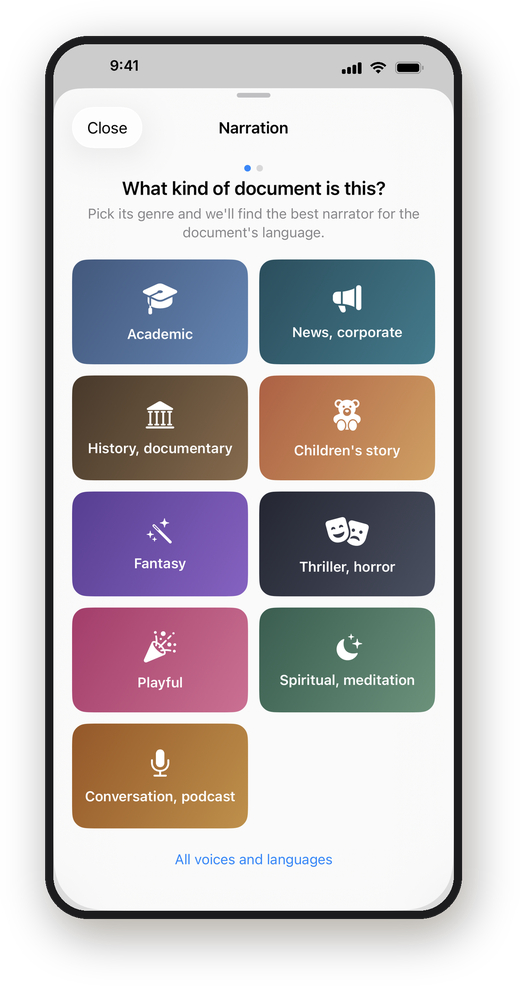
Tell us what you’re reading. We’ll find the voice.
Choose academic, news, documentary, children’s story, fantasy, thriller, playful, meditation or podcast — then a female or male narrator. Every combination maps to a voice that suits the mood.
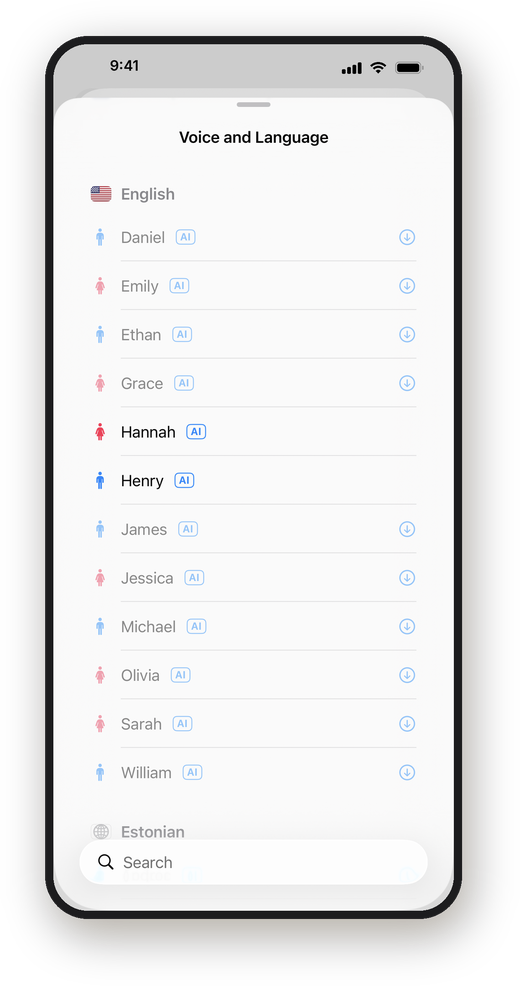
Natural voices that live on your iPhone.
Hundreds of male and female AI voices with real names, in 35 languages. They run entirely on your device: download a language once and listen without internet, as much as you like.
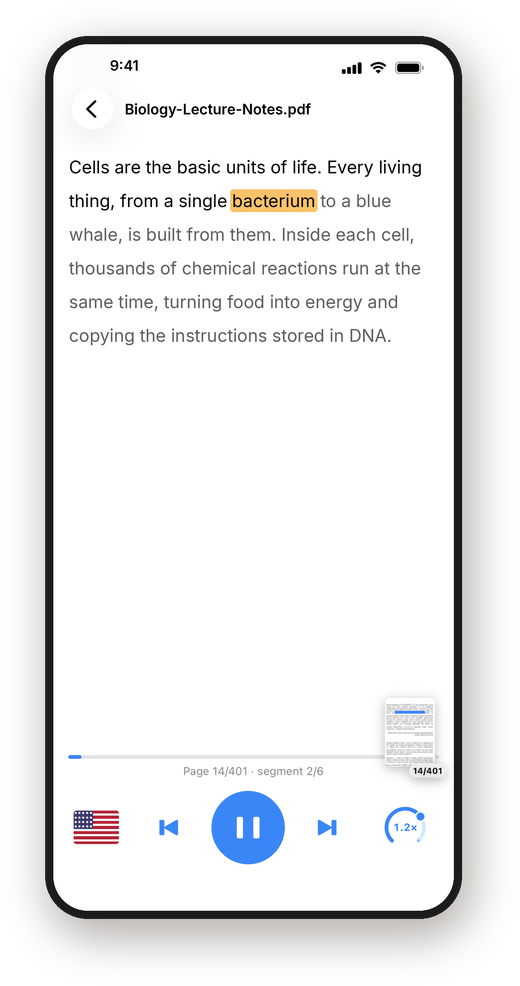
A calm player that stays out of your way.
Big play button, a speed dial, a page browser to jump anywhere, and the current word highlighted. Close the app and come back days later — you’ll be exactly where you stopped.
Listening in three taps
Add a document
Tap + and pick a file, scan a page, paste text or add a web link.
Pick a narrator
The language is detected. Choose the kind of document and a voice.
Press play
Lock your phone, put on your headphones and enjoy.
Pick your plan
Start free. Upgrade any time from inside the app.
Free
Get started
✓ Your device’s built-in voice
✓ Unlimited listening
✓ Works offline
✓ Occasional ads
Standard
US$1.99 / month · first year US$14.99
✓ Natural AI voices on your iPhone
✓ 35 languages, hundreds of voices
✓ Unlimited listening, offline
✓ No ads
✓ Cloud text recognition for scans
Premium
US$59.99 / month · 3-day free trial
✓ HD cloud voices in every language
✓ The most natural intonation
✓ 6 hours a week (24 a month)
✓ No ads
✓ Cloud text recognition for scans
Prices in US dollars; your App Store shows the price for your country. The Standard first-year offer is for new subscribers. Subscriptions renew automatically and can be cancelled any time in your App Store settings.
Your books stay yours.
No account, no library in the cloud, no reading tracking. On Free and Standard, narration is created on your iPhone and the text never leaves it.
✓ Documents never uploaded
✓ No sign-up required
✓ No data sold or used for ads profiling
✓ Read the privacy policy
Questions
Which files can it read?
PDF, EPUB, DOCX and plain text, scanned PDFs, camera scans, web articles and pasted text.
Do I need an internet connection?
No. The free device voice and the Standard AI voices work offline once a language is downloaded. Only Premium HD cloud voices and cloud text recognition need a connection.
Which languages are supported?
AI voices cover 35 languages, including English, Spanish, French, German, Italian, Portuguese, Dutch, Turkish, Russian, Arabic, Hindi, Japanese, Korean and Chinese. The app itself is available in more than 50 languages.
How do I cancel a subscription?
On your iPhone go to Settings › your name › Subscriptions › ListenFly. Cancellation takes effect at the end of the current period.
Can I listen to any book?
ListenFly reads documents you own or are entitled to use. It hosts no content of its own.
ListenFly is made by AyesTech. ListenFly is a tool for listening to documents you own or are legally entitled to access.
